
Learn Procreate Online from Anywhere
Turn Your Drawing Skills into Professional Digital Art
Live Online Procreate Classes for Beginners, Students, Hobby Artists, and Professionals. Start sketching, shading, and painting on your iPad today.
- Live Interactive Classes
- Personal Mentor Support
- Small Batch Training
- Practice Assignments
- Certificate of Completion
- Free Demo Class
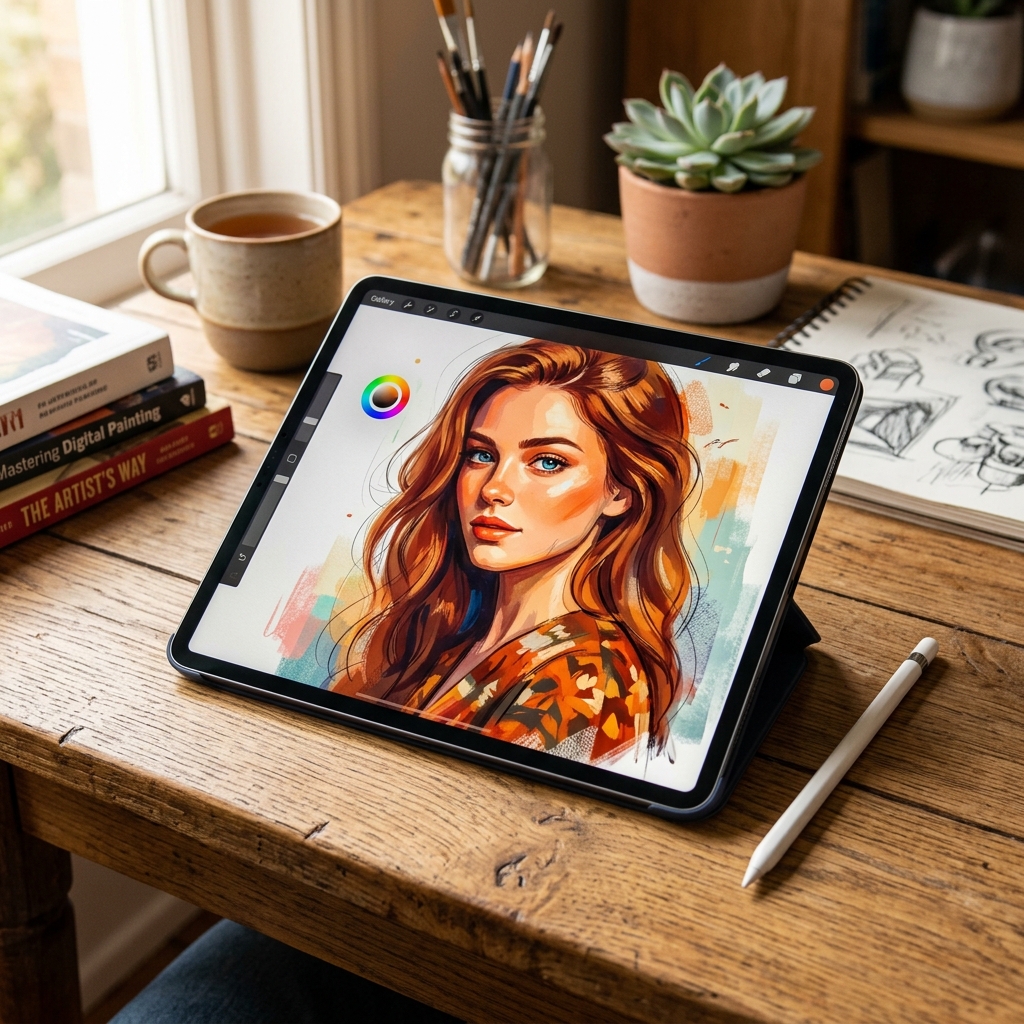
Why Students Choose Honey's Pencil Art
Over a decade of legacy in building artists, traditional and digital.
What You Will Learn in This Procreate Course
A comprehensive 5-module system designed to take you from a complete beginner to a professional digital artist.
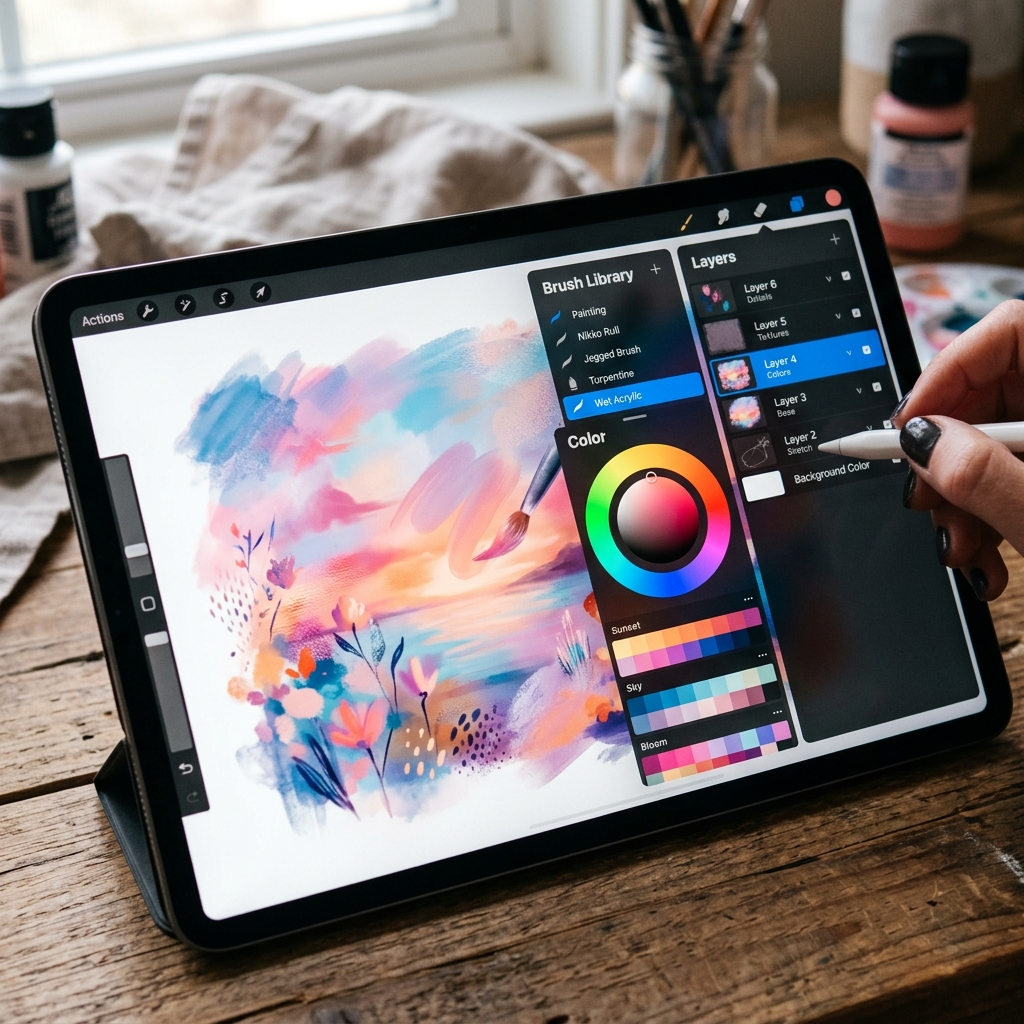 Module 1
Procreate Fundamentals
- Interface Overview & Navigation
- Canvas Setup & Color Profiles
- Layers & Layer Management
- Brush Library & Customization
- Color Selection & Palettes
- Gestures & Time-saving Shortcuts
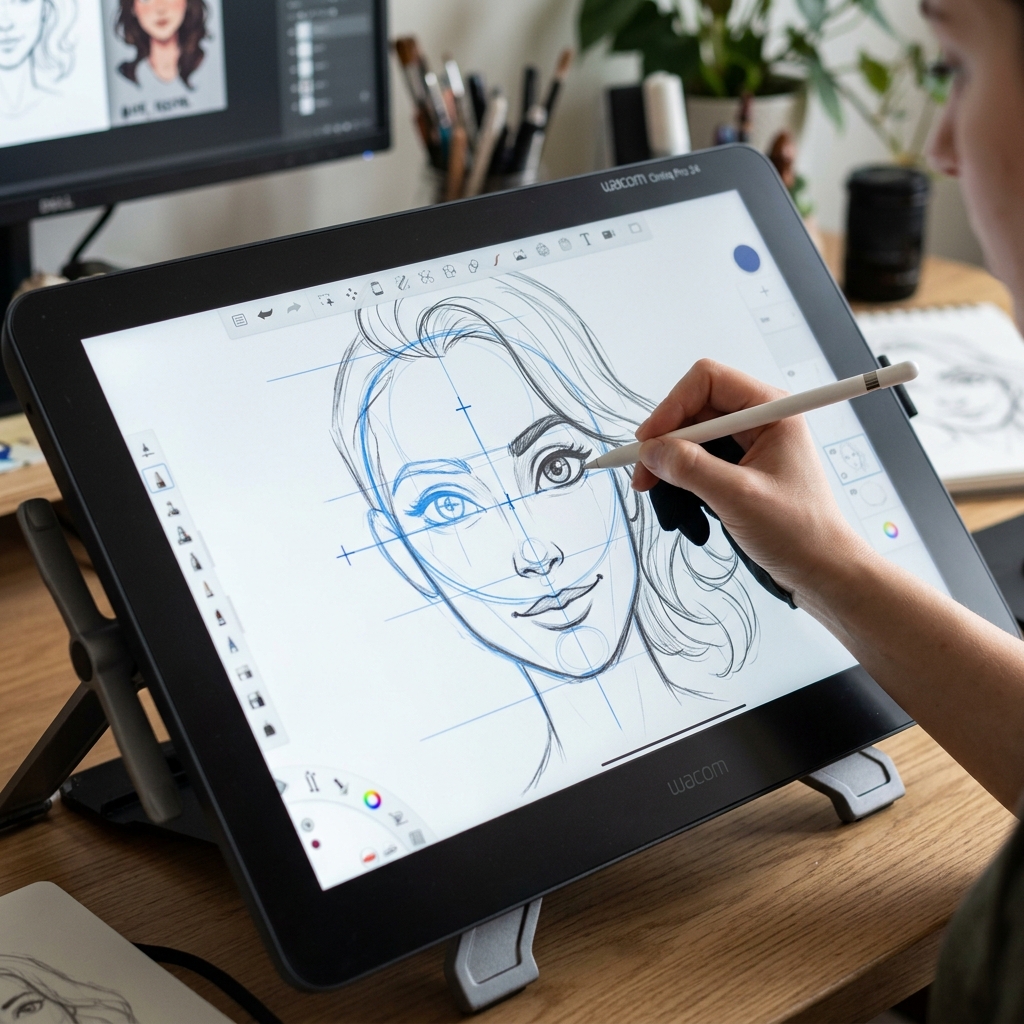 Module 2
Digital Sketching
- Basic Shapes & Form Construction
- Construction Drawing & Guidelines
- Perspective Basics for Digital Art
- Clean Line Art & Inking Techniques
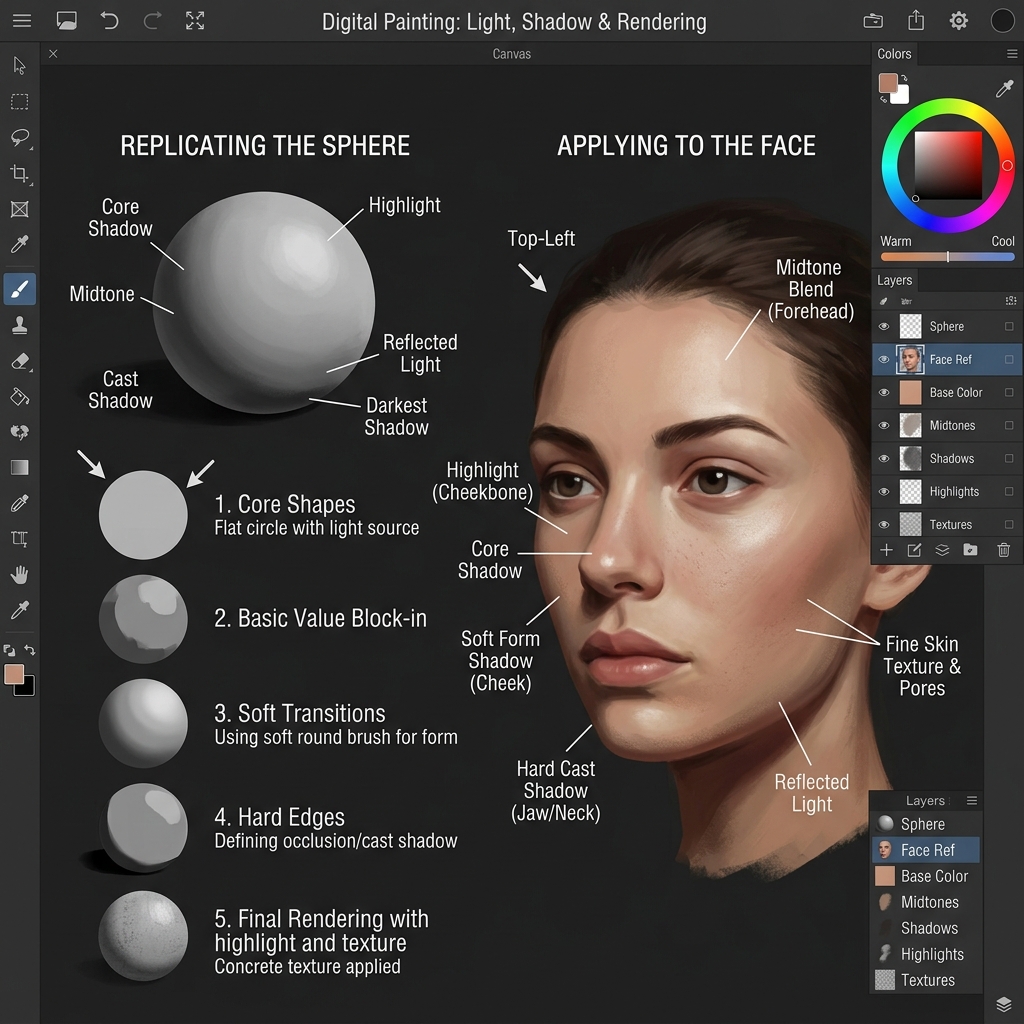 Module 3
Shading & Rendering
- Light Source & Shadow Physics
- Soft & Hard Shading Brushwork
- Texture Creation (Matte, Glossy, Hair)
- Realistic Skin Rendering & Blending
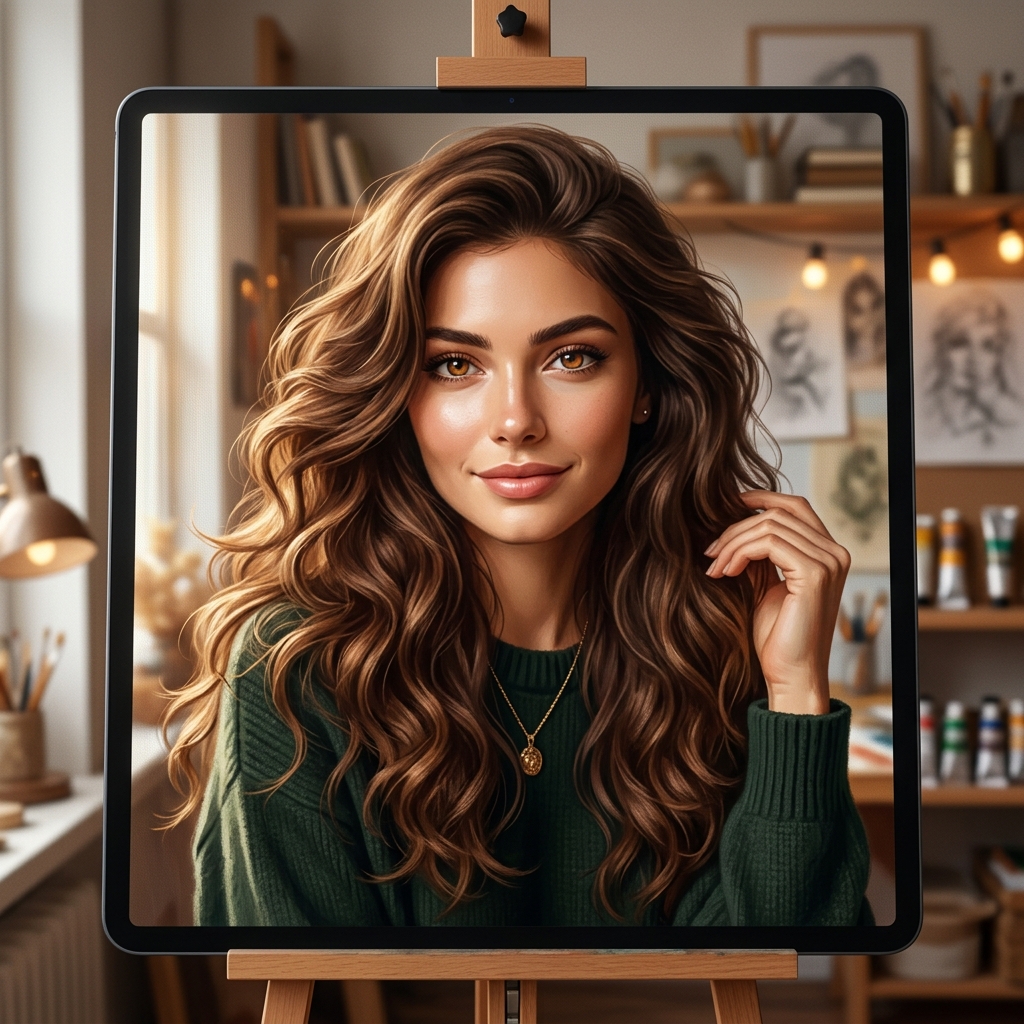 Module 4
Portrait Drawing
- Face Proportions & Anatomy Guides
- Drawing Features: Eyes, Nose & Lips
- Realistic Hair Rendering
- Step-by-step Realistic Portrait Workflow
Module 5
Professional Techniques
- Creating Custom Brushes & Settings
- Time-saving Methods & Gestures
- Optimal Export Settings for Web & Print
- Creating Social Media Ready Artwork
What Happens After Learning Procreate?
Unleash your creative potential and open up exciting digital possibilities.
Create Stunning Digital Portraits
Transform traditional sketches into professional digital artwork with infinite layers, adjustments, and blending modes.
Start Freelancing
Take high-paying portrait commissions, design merchandise, and sell digital illustrations to clients worldwide.
Create Content for Social Media
Design viral reels, process time-lapses, step-by-step illustrations, and digital art to grow your personal brand online.
Improve Drawing Skills Faster
Speed up your learning curve. Make use of instant undo, layers, symmetry tools, and tracing assists to perfect your proportions.
Build a Digital Art Portfolio
Prepare a modern digital portfolio for art colleges, freelance platforms, galleries, or professional opportunities.
This Course is Perfect For
Whether you want to paint as a hobby or build a digital art career, we have you covered.
No prior Procreate or digital drawing experience required. We start right from canvas setup and holding the Apple Pencil!
Student Transformations
See how our students bridge the gap between traditional drawing and high-quality digital artwork.
Before Learning Procreate
- Struggled with complex digital art tools and layouts
- Unsure how digital layers, clipping masks, and blend modes work
- Difficult to achieve realistic shading and skin rendering
- Stuck with basic traditional sketches without a way to digitize them
After Completing the Course
- Create professional-grade digital portraits and illustrations
- Fully master advanced layers, custom brushes, and workflow tools
- Build a portfolio of high-resolution, gallery-ready artworks
- Take freelance portrait projects and digital painting commissions
Course Information
Everything you need to know about our batch schedule and requirements.
| Details | Information |
|---|---|
| Mode | Live Online (Interactive Zoom/Meet sessions) |
| Software | Procreate App (latest version recommended) |
| Device | iPad + Apple Pencil (or compatible pressure-sensitive stylus) |
| Level | Beginner to Advanced (Starts from fundamentals) |
| Batch Size | Small Groups (Personal attention guaranteed) |
| Language | English & Tamil |
| Support | Direct WhatsApp support with mentor for project reviews |
| Recording | Available for lifetime revision after each live class |
Attend a Free Procreate Demo Class
Experience our premium teaching method before deciding to join the course.
-
✔
Meet the instructor
Learn directly from an artist with 16+ years of training expertise.
-
✔
Understand course structure
Get a detailed walk-through of modules, assignments, and portal access.
-
✔
Watch a live demonstration
See complex portrait rendering steps done in real-time in Procreate.
-
✔
Ask your questions
Clear your doubts about iPads, brushes, and careers during Q&A.
Book My Free Demo
Enter your details below to secure your seat. We will send the access link on WhatsApp/Email.
Frequently Asked Questions
Clear your queries regarding prerequisites, schedules, and tools.
Yes. The course starts from the absolute basics, including iPad gestures, layers, and brushes, and gradually moves to advanced digital painting and realistic portrait drawing techniques. You do not need any prior digital art experience.
Yes. We have students from all over the world, including India, UAE, Singapore, Qatar, and the USA. Classes are held online, and timings are adjusted across multiple slots to fit different time zones.
Yes. Procreate is a software designed exclusively for iPad. You will need an iPad that supports Apple Pencil along with the Apple Pencil (or a fully compatible pressure-sensitive stylus) to follow the training classes effectively.
Yes. Portrait drawing is one of the core focuses of our syllabus. We cover facial structure guidelines, proportions of eyes, nose, lips, hair rendering, and the step-by-step digital process of creating life-like digital portraits.
Yes. If you miss a class or want to review a complex technique, lifetime access to high-definition recordings of every session is provided, making self-paced revision easy.
Yes. You can attend a free 60-minute demo class where you can meet the instructor, watch a live drawing demonstration, and ask any questions you have before enrolling in the full course batch.
Why Learn Procreate?
Procreate is one of the most popular digital illustration apps used by artists, designers, illustrators, and content creators worldwide. Learning Procreate helps artists create professional digital sketches, portraits, illustrations, concept art, and social media content using an iPad and Apple Pencil. Our live online Procreate course teaches beginners and experienced artists step-by-step techniques to build strong digital drawing skills and create portfolio-quality artwork.